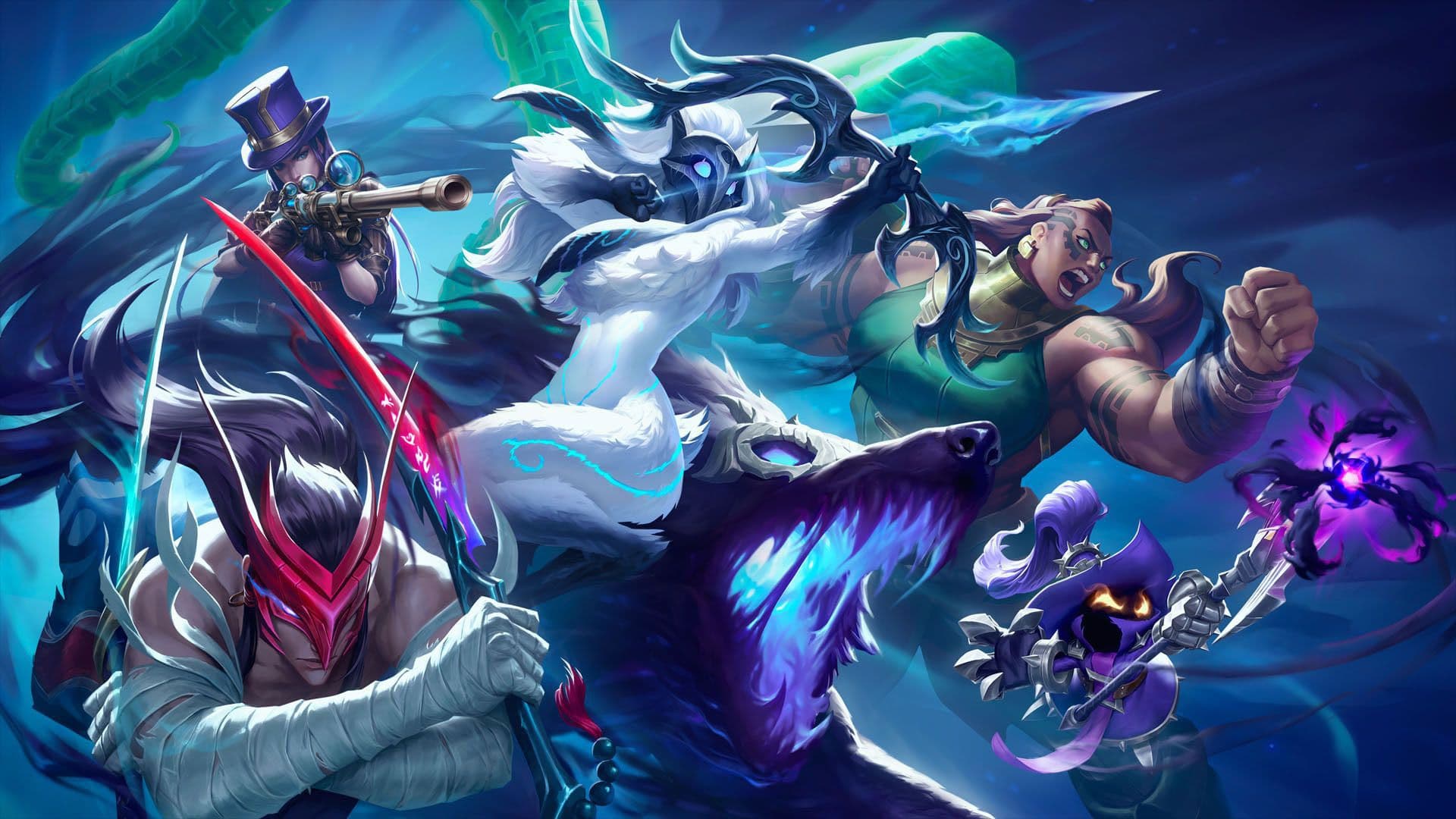
Just play the game. We make the montage.
Have fun playing — MontageJaJa records every game, cuts your best plays, and builds a public-ready montage with your own overlays and music, then publishes it to YouTube and TikTok. Leave the editing to us.
From game to published, automatically
You play. MontageJaJa does the rest.
Just play your game
Launch MontageJaJa and load into your game. It auto-detects the live match and records the whole thing in the background, with multi-track audio — you don't touch a thing.
MontageJaJa does the editing
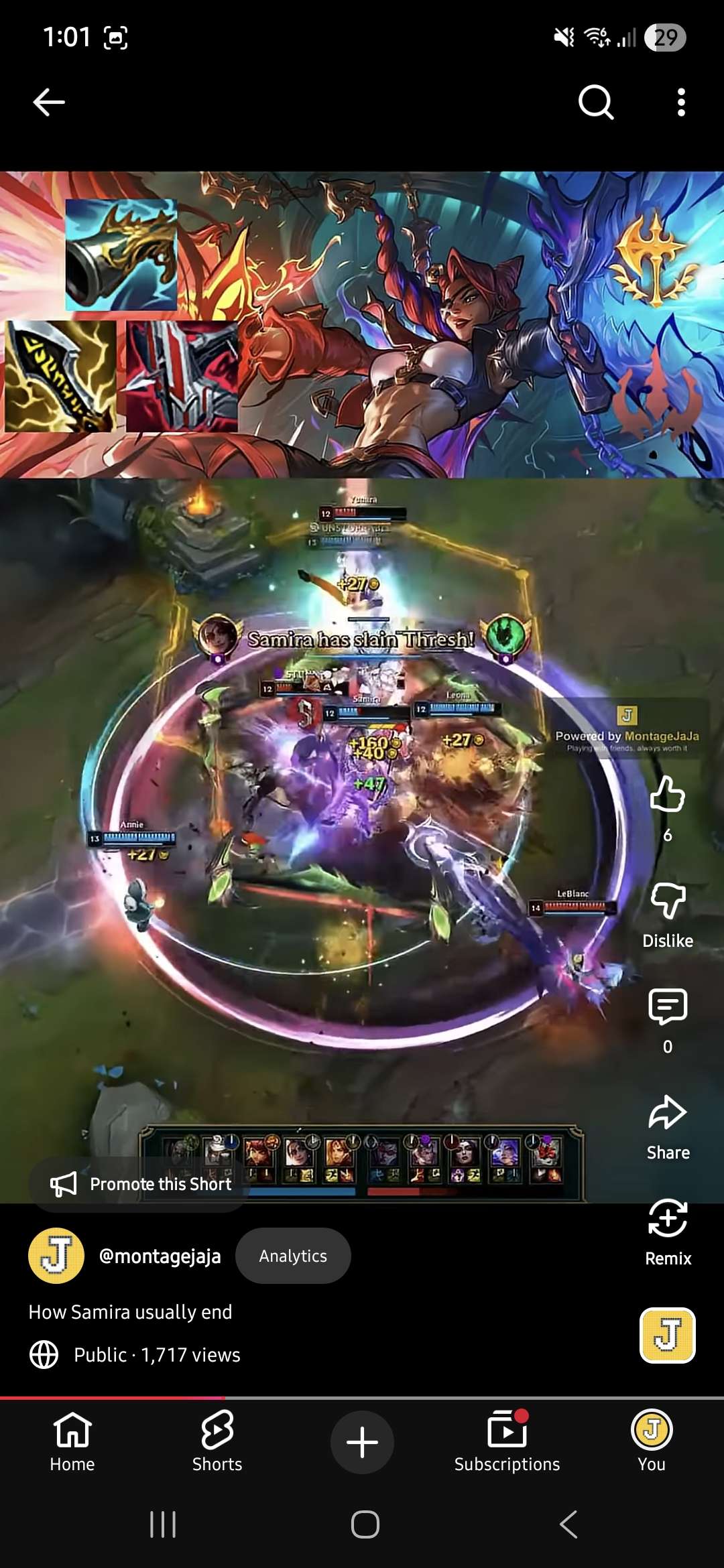
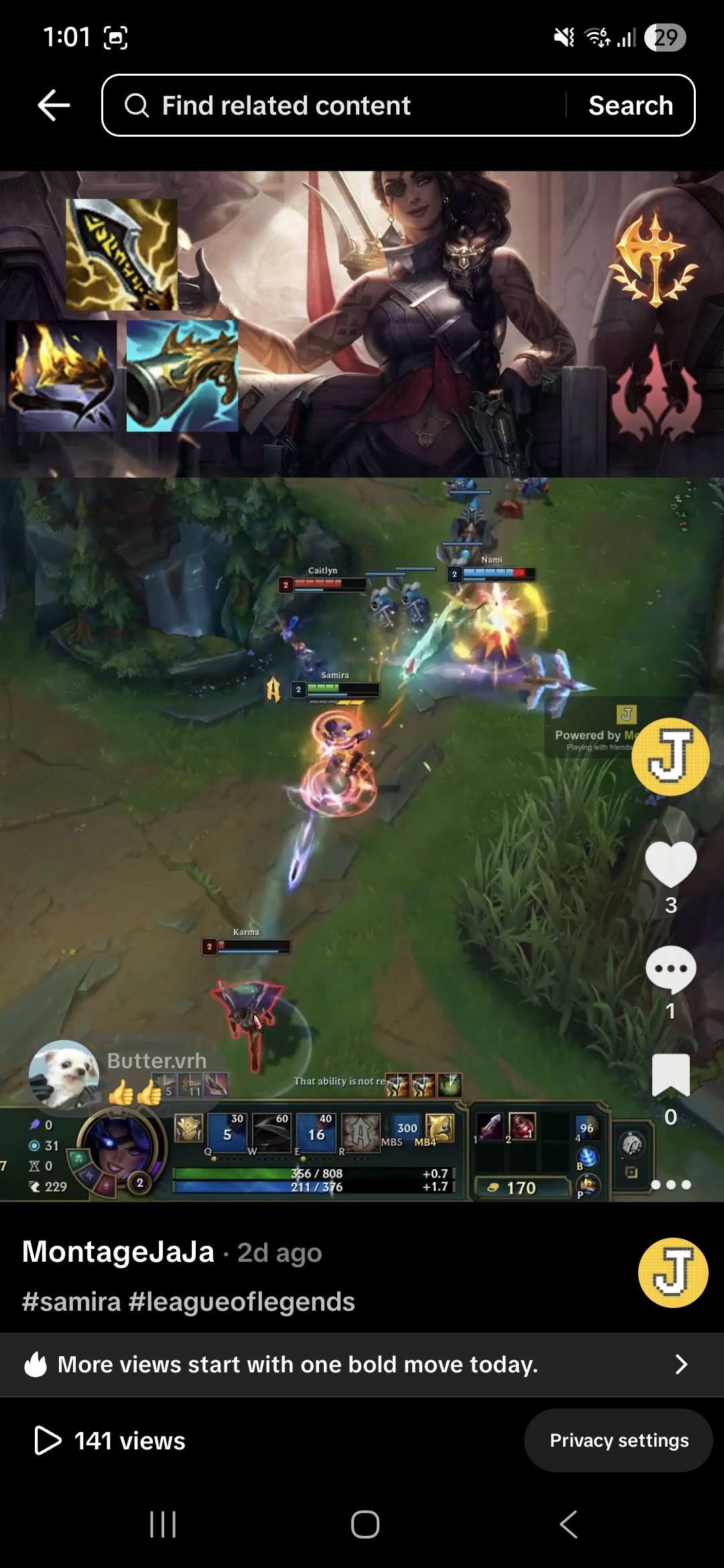
It scans the match for fights, cuts a clean clip out of each one, then composes them into a montage with your template — overlays, champion banners, loadouts, and music — all on its own.
Published to YouTube & TikTok
Upload the finished montage straight to YouTube and TikTok without leaving the app — wide for YouTube, tall for Shorts and TikTok, exactly as your template defines.
Everything you need to make montages
From the moment the game loads to the moment it's live on YouTube.
Full-game recording
Auto-detects your live game and records the whole match, logging every kill and assist. Captures Game, Discord, and mic as separate audio tracks.
Automatic clipping
Scans replays and full-game VODs, groups kills into fights, and cuts a clean clip for each fight — no scrubbing the timeline by hand.
Clip library & tagging
Browse every highlight grouped by date. Tag clips by champion (auto-applied), star rating, or custom labels, with per-track audio preview and event markers.
Montage templates
Design reusable templates that define layout, overlays, aspect ratio (wide 1920×1080 or tall 1080×1920), and which audio tracks reach the final cut.
Custom overlays
Compose HyperFrames-style overlays on top of every clip, so your montages carry your own look instead of a generic export.
Automated pipelines
Gather tag-filtered clips, apply a template, tag the result, and upload — automatically. Run it across a whole library or one clip at a time.
Team workspaces
Share clips, tags, templates, and montages with your teammates. Invite by username with owner, editor, and viewer roles.
One-click YouTube publishing
Connect your channel with Google sign-in and upload finished montages straight to YouTube, with every upload tracked.
Build your own montage style
A template is built from drop-in components and tuned with attributes. Design the look once and the whole squad exports the same style.
Components
The building blocks you stack to compose each clip.
Clip
Your gameplay footage — the base of every scene in the montage.
Champion Banner
An automatic splash-art band for the champion played in each clip.
Image
Drop in your own banner, logo, or art to brand the montage.
Music
A background track mixed under the whole montage.
Loadout Items
The items you built that game, shown as an overlay.
Loadout Runes
Your keystone and rune trees, shown as an overlay.
Custom Overlay
Any PNG, positioned anywhere, so montages carry your own look.
Empty
A solid-colour spacer band to frame the layout.
Attributes
Template-wide settings that shape the final export.
Output ratio
Wide (1920×1080) or tall (1080×1920) for Shorts and TikTok.
Audio tracks
Choose which tracks — Game, Discord, mic — reach the final cut.
Publish
Preset the YouTube title, description, privacy, and TikTok caption.
Post-action tags
Auto-tag the source clips once the montage is built.
Watermark
Toggle the brand watermark — removable on paid plans.
Make montages together
MontageJaJa is a shared workspace. Squad up, pool your best plays, and publish the highlights from the whole party to one channel.
One workspace for the whole squad
Invite your friends by username and share one account. Every clip, tag, and montage lives in the same place — owner, editor, and viewer roles keep it tidy.
Share your templates
One friend designs the look — overlays, layout, music, aspect ratio — and that template syncs to everyone on the account, on every machine. The whole party exports the same style.
Share one social account
Connect YouTube and TikTok once for the account, not once per person. Anyone in the party can publish the night's montage to the shared channel without re-logging in.
Make your next montage in minutes
Download MontageJaJa for Windows and turn your League games into montages your team will actually want to watch.
Contact us
Questions, feedback, or need a hand? Reach out — we read everything.